
Welcome, to a journey of self-discovery and goal manifestation! In the age of endless possibilities, where technology intertwines seamlessly with our daily lives, the classic art of vision boarding has evolved into something truly extraordinary: the digital vision board.
Picture this: a canvas of aspirations, a montage of dreams, and a roadmap to your most authentic self. We’re diving into the captivating world of digital vision boards, where the ancient practice of visualizing your goals takes on a vibrant, high-tech twist.
Traditionally, vision boards were crafted with scissors, glue, and magazines, with each image and phrase carefully selected and pasted onto a physical board. But in today’s fast-paced digital landscape, we’ve traded scissors for digital tools, glue for software, and physical boards for virtual canvases.

Join us as we explore the exciting shift from traditional to digital vision boards and unravel the power they hold in transforming your dreams into reality.
In this blog post, we’ll guide you through the art of goal-setting and intention-building, emphasizing the importance of clarity in your aspirations.
Whether you’re a seasoned vision board enthusiast or a curious newcomer, get ready for a blend of information and entertainment that will spark your creativity, ignite your motivation, and set you on the path to success.
Are you ready to manifest your dreams in the digital realm? Let’s embark on this captivating journey together!
What You’ll Learn
What is a Digital Vision Board?
What Should Be On Your Digital Vision Board?
How to Make a Digital Vision Board?
Free Apps and Websites to Build Your Digital Vision Board On
Where to Get Pictures for Your Digital Vision Board
Do Digital Vision Boards Work?
What is a Digital Vision Board?
A digital vision board is a manifestation of your goals. It is a collection of images you gather and display as a reminder of how you would like your future to look.
There are a few differences between a digital vision board and a traditional one. Your digital vision board can go anywhere you’d like.
You can make it your wallpaper on your phone, your laptop, your iPad, add it as a widget to any screen that allows that, or even put it on your television if you’d like!
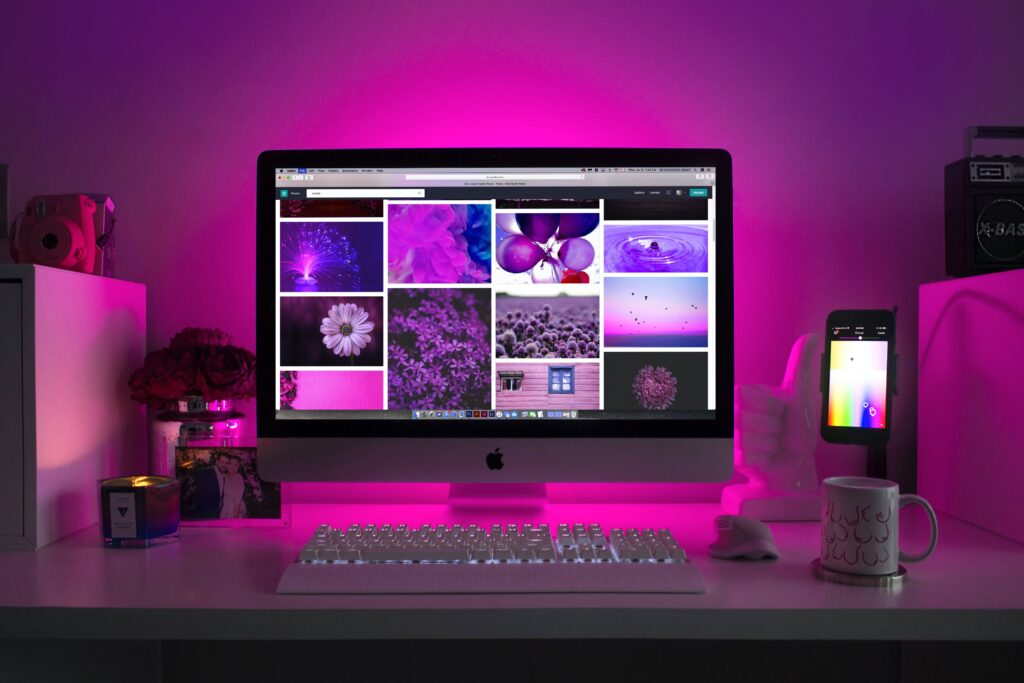
If you want your vision board posted on your wall, you can also print a copy of your digital vision board and post it.
What Should Be on Your Digital Vision Board?
What you put on your digital vision board is really up to you.
Some ideas of what you can put on your board are places you want to travel, how you want to feel when you reach your goals, relationships you want to create or grow, financial goals, inspirational quotes and affirmations.
Get creative and add fun fonts, colors, and designs to your board. If you feel inspired by something, add that as well.

The possibilities are endless and there are no rules when making your board. Just do what you feel will work best to motivate yourself!
How to Make a Digital Vision Board?
Making a digital vision board is fairly simple. You can use many online software and apps to create your board.
Below are the 5 easy steps you can take to create your vision board!
Step 1: List Out Your Goals
The foundation of a powerful vision board lies in thoughtful planning.
Begin by envisioning the destinations you yearn to explore, painting a vivid picture of the places that stir your soul. Feel the emotions that success will bring – visualize the joy, confidence, and fulfillment.
Consider the relationships you wish to cultivate or deepen, nurturing connections that uplift and inspire.
Delve into your financial aspirations, imagining the security and freedom your goals can provide.
Sprinkle in inspirational quotes that resonate with your journey, serving as guiding lights along the way.
Finally, infuse your board with affirmations that echo the belief in your ability to achieve greatness.
As you navigate this planning stage, you’re not just setting goals; you’re crafting a roadmap to a life uniquely tailored to your dreams.
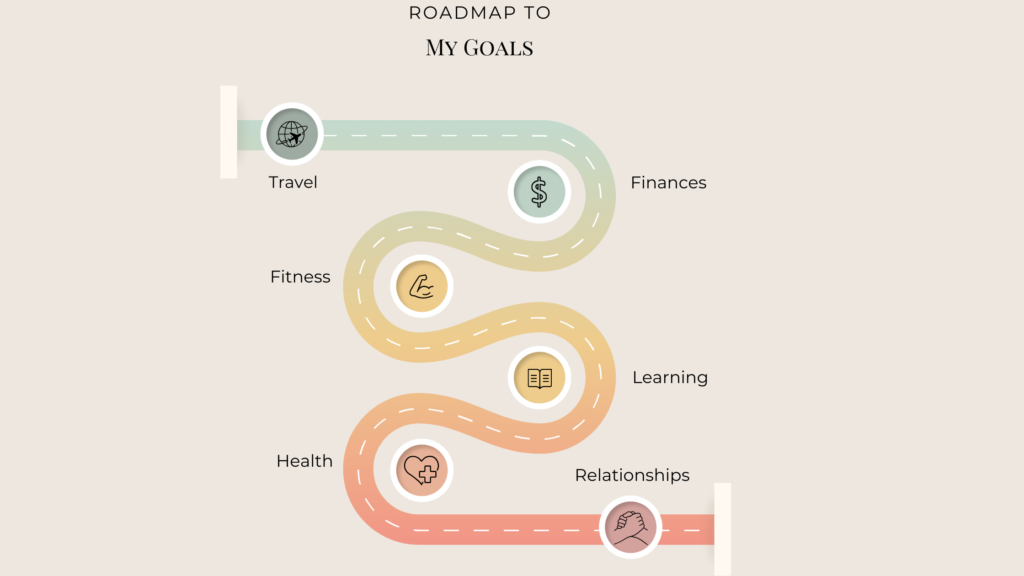
While planning out your goals, remember the S.M.A.R.T. goals framework. You want them to be specific, measurable, achievable, relevant, and time-bound. This will ensure that you are adding attainable goals to your board.
Step 2: Find Photos That Represent Your Goals
Now that you’ve mapped out your goals, let’s add some color and flair to your vision board! It’s time to find pictures that represent the things you want in your life.
You can use photos you already have, take some cool new pictures, create a drawing or painting, or explore websites like Pinterest, Google, Pexels, Unsplash, and Pixabay for amazing images.
Have fun picking pictures that make you feel excited and ready to tackle your goals. This step is like putting together a super cool puzzle, but instead of pieces, you’re using pictures to show what you want your future to look like.

Step 3: Choose Where You Want to Create Your Digital Vision Board
Now that you’ve gathered your dream-inspiring images, it’s time to transform them into a digital masterpiece!
There are some awesome tools out there like Canva, PicMonkey, Procreate, Gratitude App, Vision Board App, and Visuapp that make crafting your digital vision board a breeze.
Pick the software that feels like the perfect playground for your imagination, and get ready to bring your vision to life in the digital realm.

Step 4: Arrange Your Board
Now, let’s dive into the exciting part – assembling your digital vision board!
You want to orchestrate a virtual collage featuring the elements that represent your aspirations. Whether it’s captivating images, meaningful words, personal drawings, impactful quotes, or decorative elements, this is where you get to express your creativity.
However, like a carefully designed space, you want to avoid overcrowding your vision board. Strive for a harmonious arrangement that sparks inspiration without overwhelming your visual field.
You can put your vision board together on a computer, phone, or iPad.

You want your vision board to help you focus on your goals without unnecessary distractions.
Step 5: Place Your Vision Board Where You Can See It
Now that your digital vision board radiates with your aspirations, let’s ensure it takes center stage!
The more integrated into your daily view, the more impactful its influence. Whether you choose to set it as your phone, iPad, or computer background, display it on your television screen, or even print it out and pin it to your wall, the key is visibility.
You want your goals to become an integral part of your routine. By making your digital vision board visible across your devices or in your physical space, you’re creating a seamless connection between your dreams and your daily life.
Free Apps and Websites to Build Your Digital Vision Board On
Canva
My personal favorite app for crafting a digital vision board is Canva, and here’s why:
Canva stands out with its user-friendly interface and a vast array of design templates tailored for creating vision boards. These templates, available for free or through a subscription, provide a solid foundation for expressing your aspirations creatively.
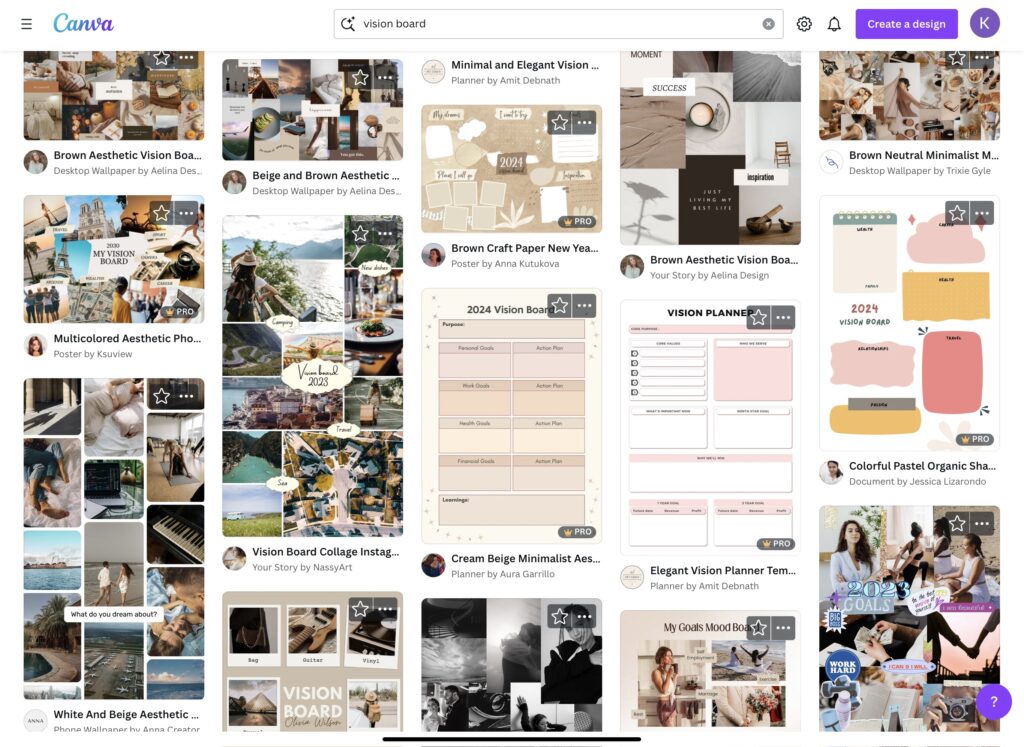
What sets Canva apart is its extensive library of graphics and shapes, allowing you to infuse your vision board with a touch of personality and flair.
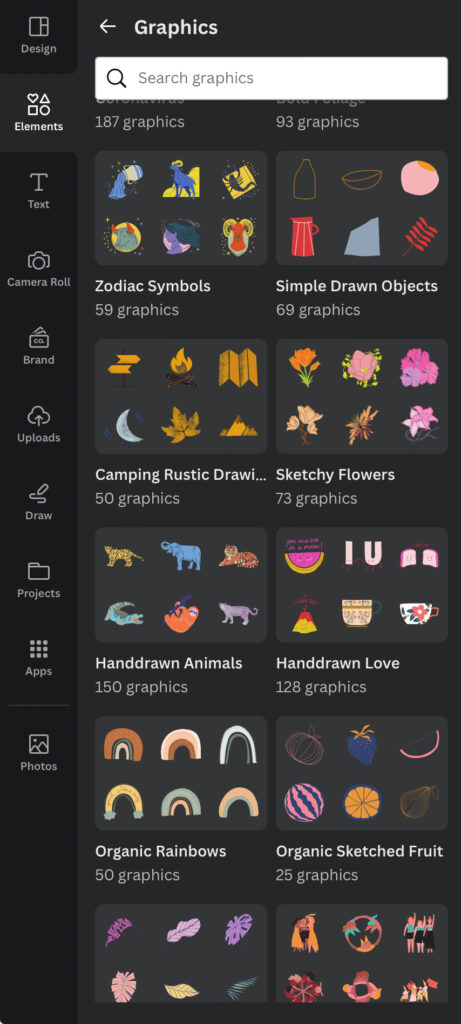
The platform’s versatility extends to its font options, offering you hundreds of choices to add quotes, affirmations, and words that resonate with your vision.
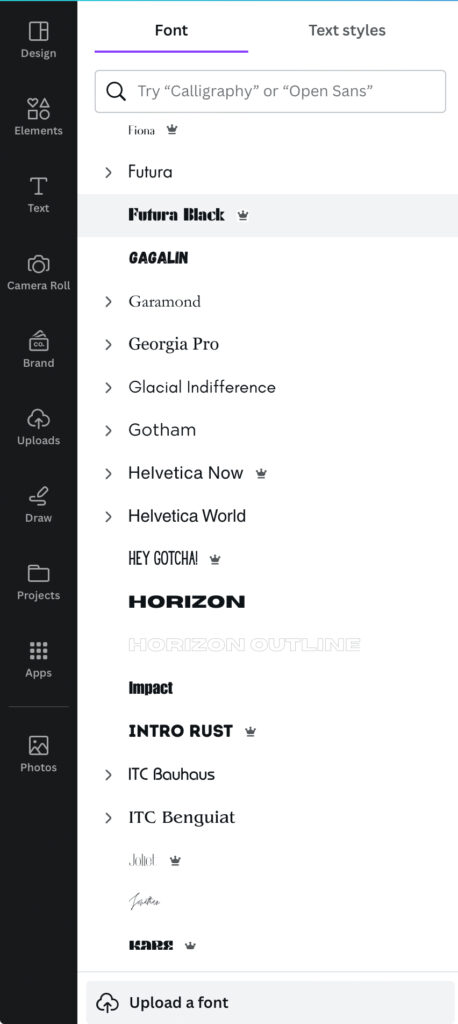
For those with a Canva subscription, the software becomes an even more powerful tool. Subscribers gain access to a myriad of features, enhancing the overall design experience.
Beyond images and text, Canva provides a Draw Feature, enabling users to personalize their vision boards further. Whether it’s adding your own words or sketching unique drawings, this feature adds an extra layer of customization.
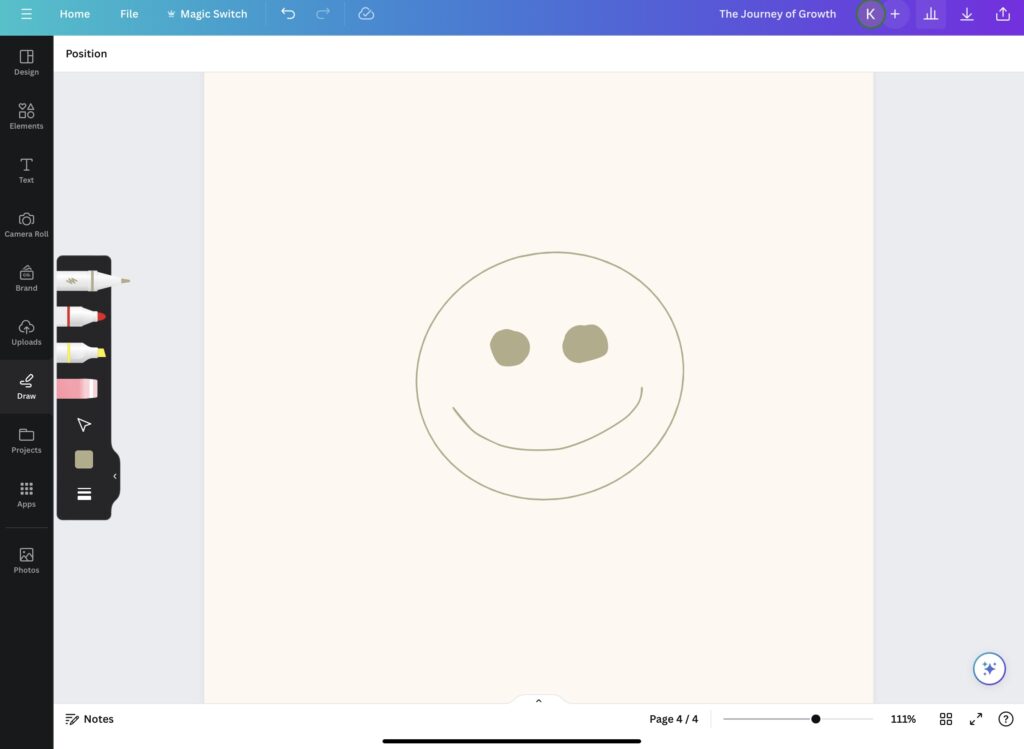
In summary, Canva is an excellent choice for crafting your digital vision board, offering a seamless blend of design flexibility, a rich template library, and enhanced features for subscribers.
Picmonkey
For an alternative digital vision board creation experience, consider PicMonkey. Here’s a closer look at what this platform has to offer:
PicMonkey provides a cost-effective option, making it a favorable choice for those on a budget. While their basic package is cheaper than some alternatives, it’s important to note that they offer only a 7-day free trial, which may impact long-term accessibility.
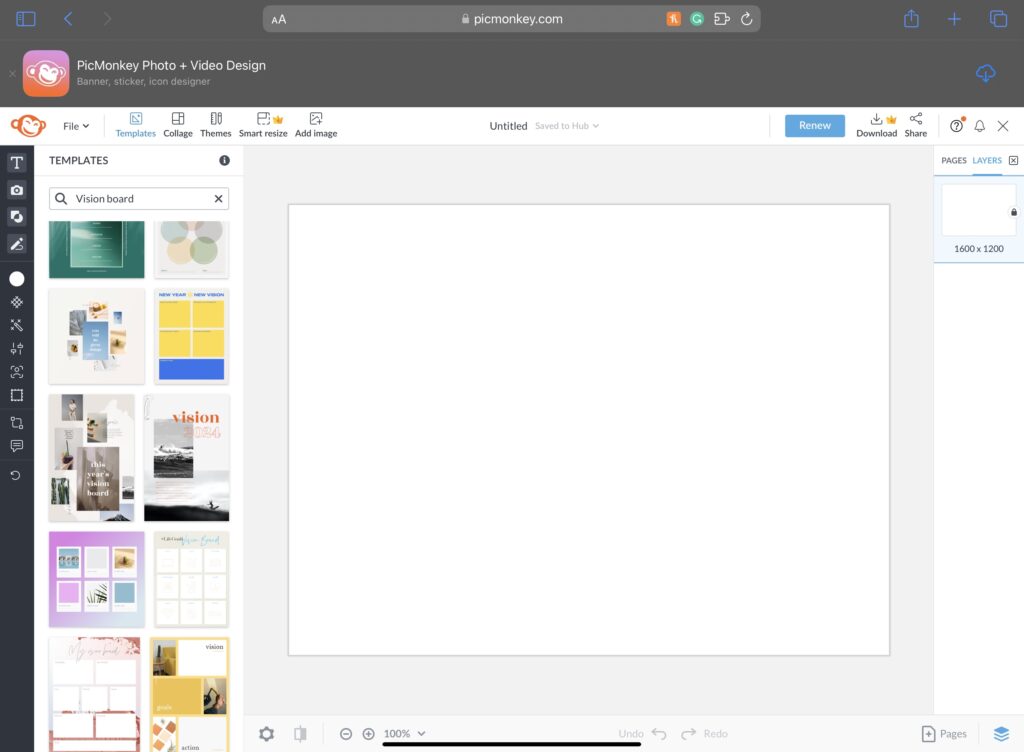
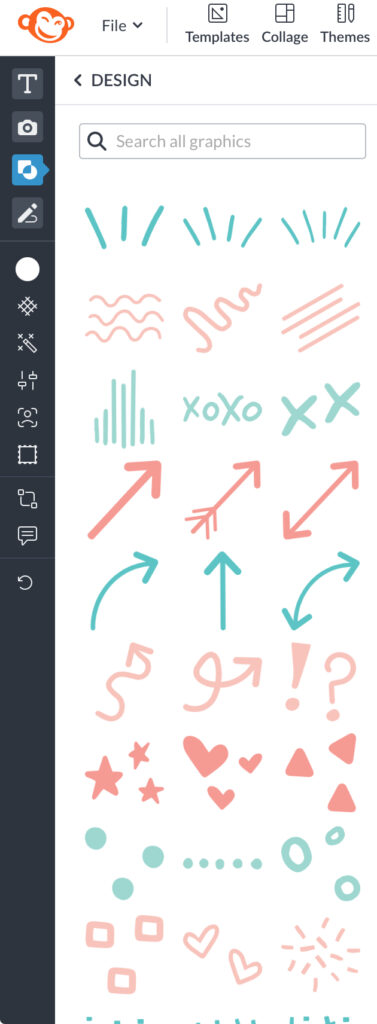
Diving into the design options, PicMonkey boasts a collection of graphics that you can seamlessly integrate into your vision board.
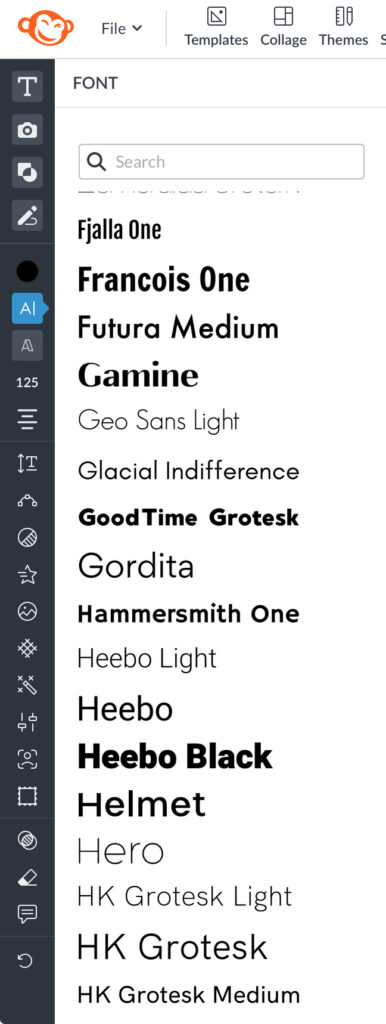
When it comes to adding text elements, PicMonkey offers a variety of font options. This allows you to personalize your digital vision board with words, quotes, or affirmations that resonate with your aspirations.
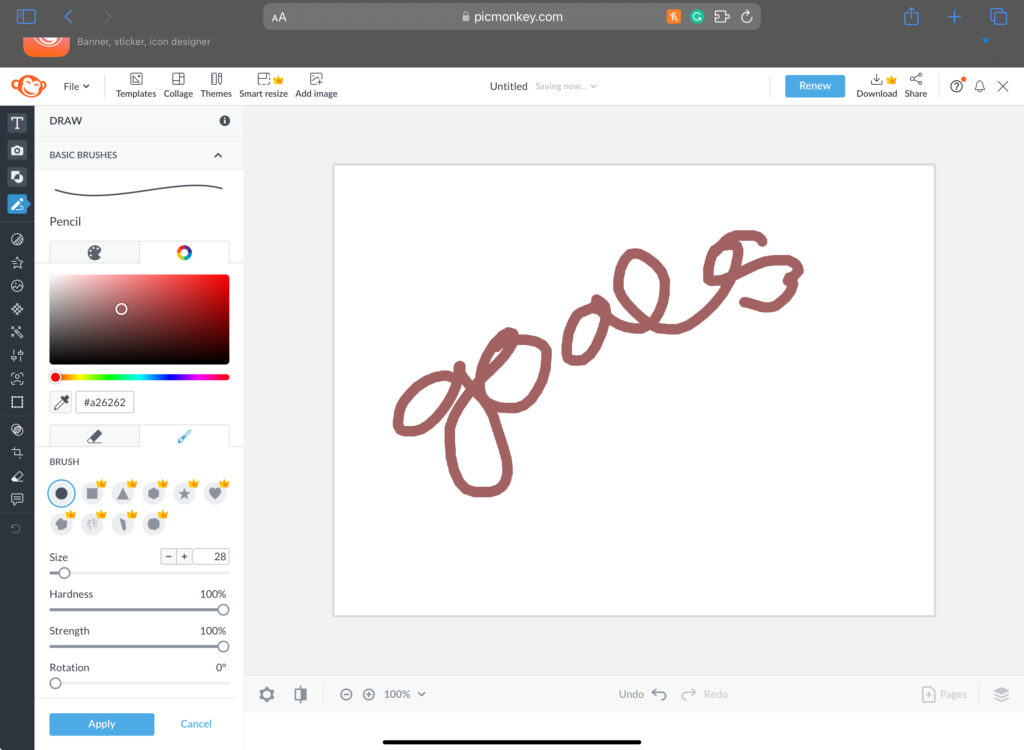
One distinctive feature of PicMonkey is its Draw Feature, enabling users to directly write words or draw pictures on their boards. This hands-on approach adds a unique touch to your vision board creation process.
Having been in the industry for a considerable time, PicMonkey is a familiar name for many users. Its longevity speaks to its reliability and user trust, making it a solid choice for those who prefer a platform with a track record.
In summary, PicMonkey offers a budget-friendly option with a range of design elements, font choices, and a draw feature for personalized touches. While the 7-day free trial limitation should be considered, the platform’s longevity adds a layer of trust for users familiar with its history.
Procreate
For Apple device users, Procreate stands out as a highly recommended choice for bringing your digital vision board to life. Here’s why:
Priced at $10, Procreate offers a powerful yet intuitive platform, making it a worthwhile investment for those seeking versatility and creativity in their vision board creation process.
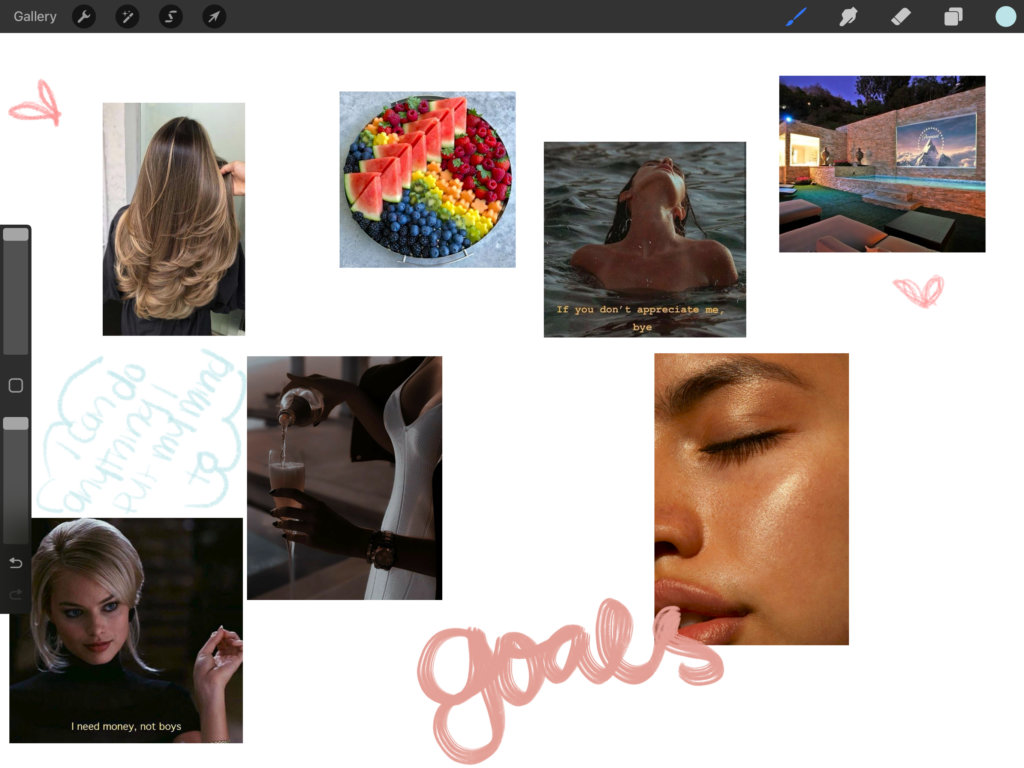
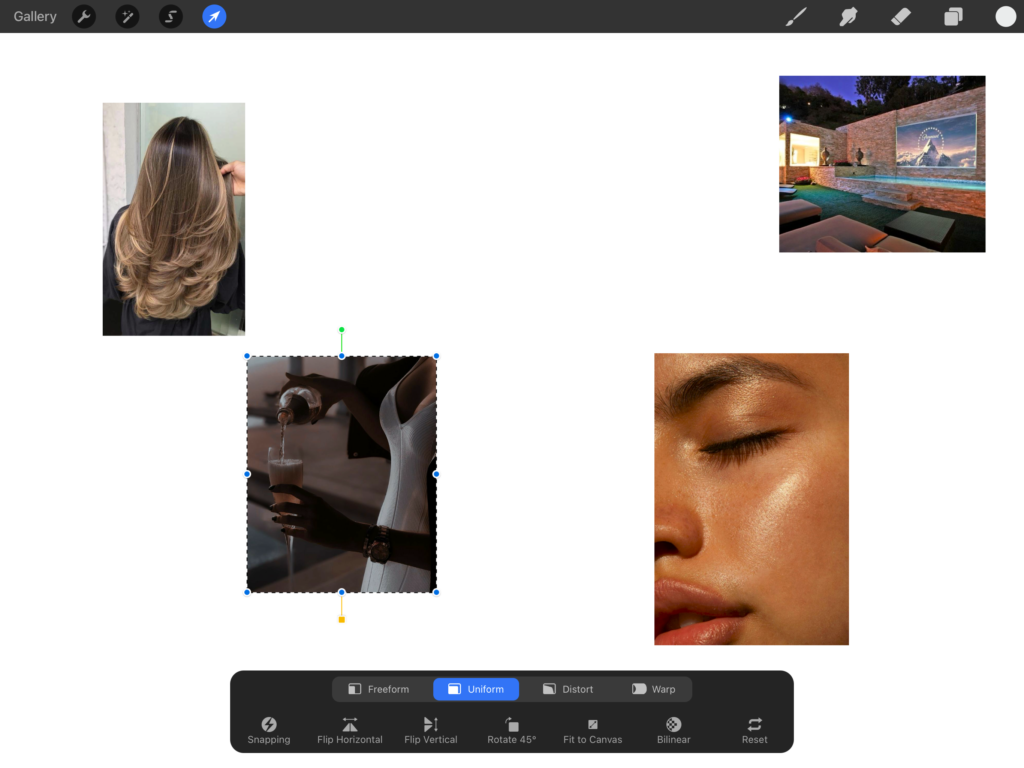
One standout feature of Procreate is its capability to not only incorporate your own photos into your vision board but also provide the flexibility to rearrange them according to your preferences.
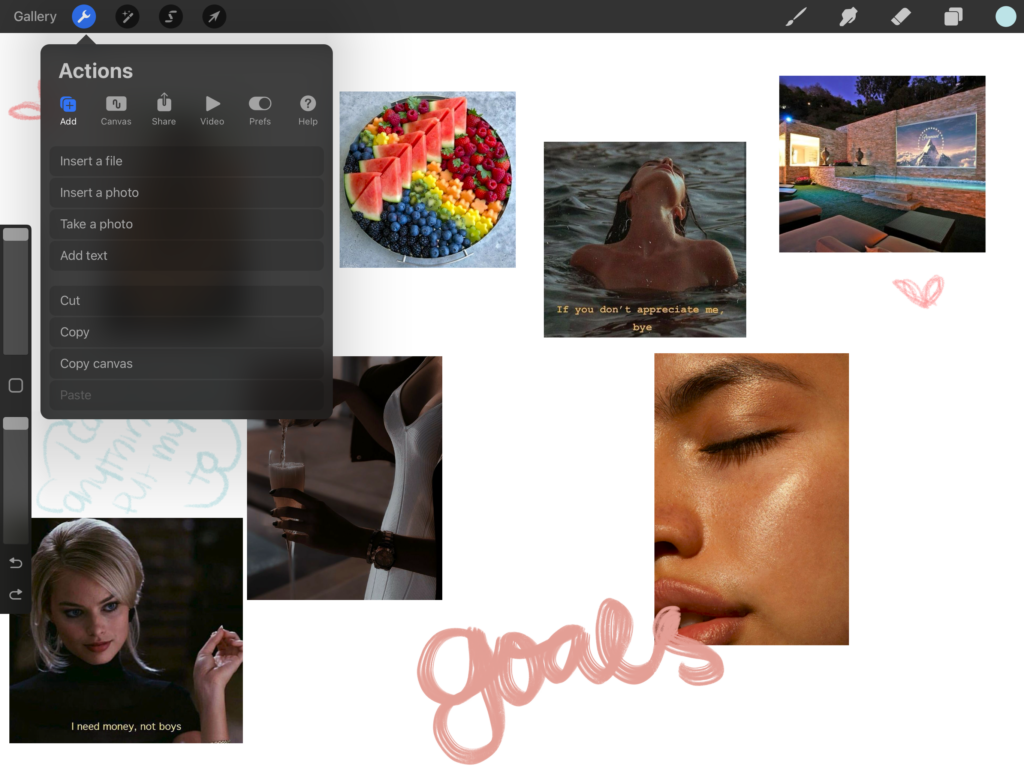
Procreate takes the creative process a step further with an extensive array of drawing options. This versatility allows users to go beyond traditional vision board elements, enabling the creation of unique and intricate drawings to enhance the overall visual appeal.
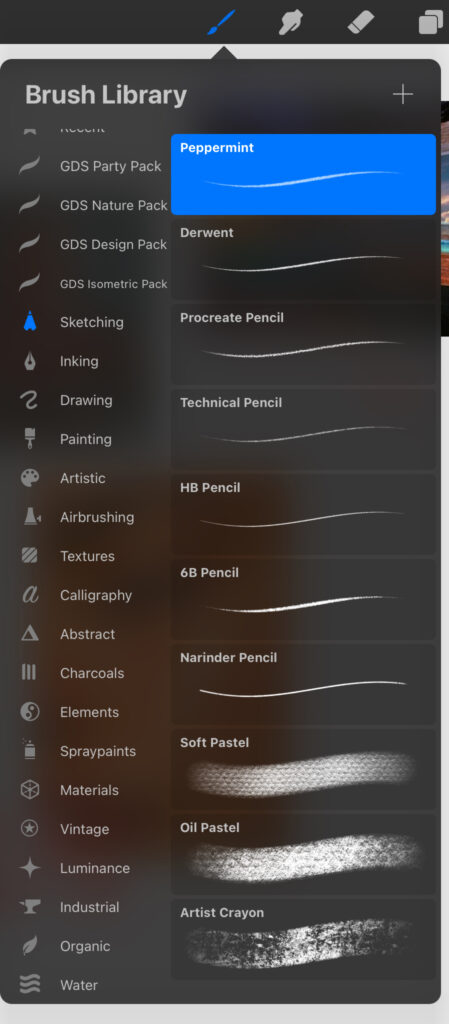
Whether you’re looking to add a personal touch to your vision board or unleash your artistic flair, Procreate provides the tools to do so seamlessly.
In summary, Procreate, priced at $10, is a top choice for Apple users due to its intuitive interface, versatility, and expansive drawing options. With the ability to integrate photos and rearrange them to your liking, this app elevates the vision board creation experience, making it well worth the investment for those seeking a comprehensive design platform.
When it comes to creating a vision board, Pinterest emerges as a fantastic platform offering a unique blend of inspiration and curation:
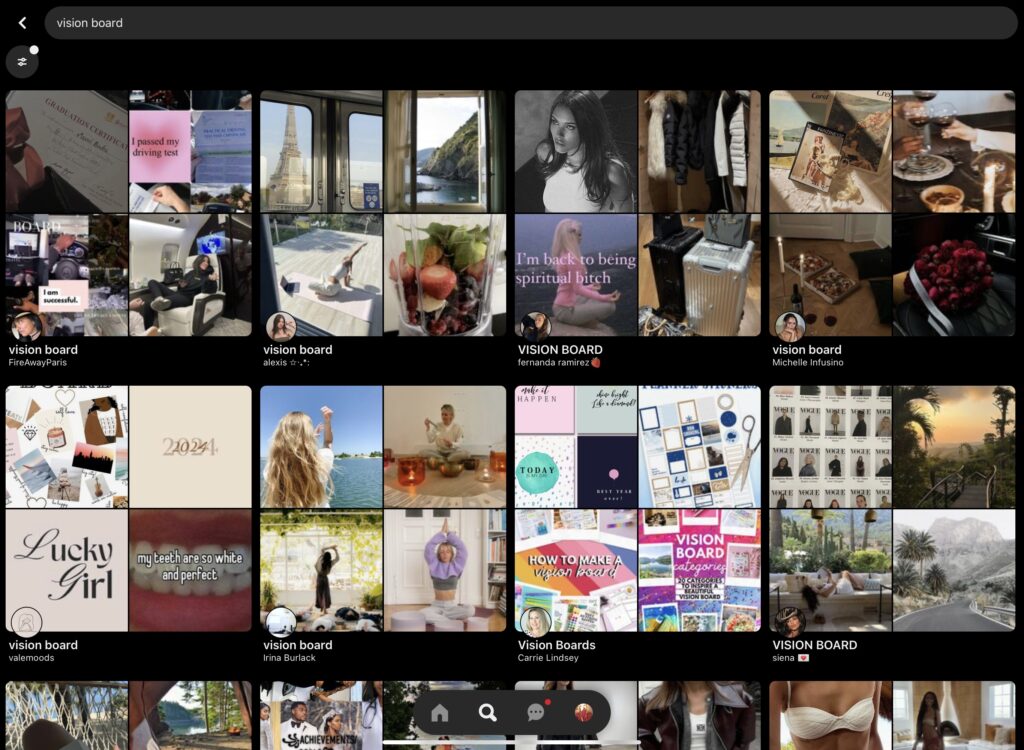
Pinterest’s strength lies in its extensive collection of images, allowing you to search for and discover photos that precisely align with your goals. Whether it’s dream destinations, motivational quotes, or visually appealing elements, Pinterest’s vast database ensures you find the perfect visuals to populate your vision board.
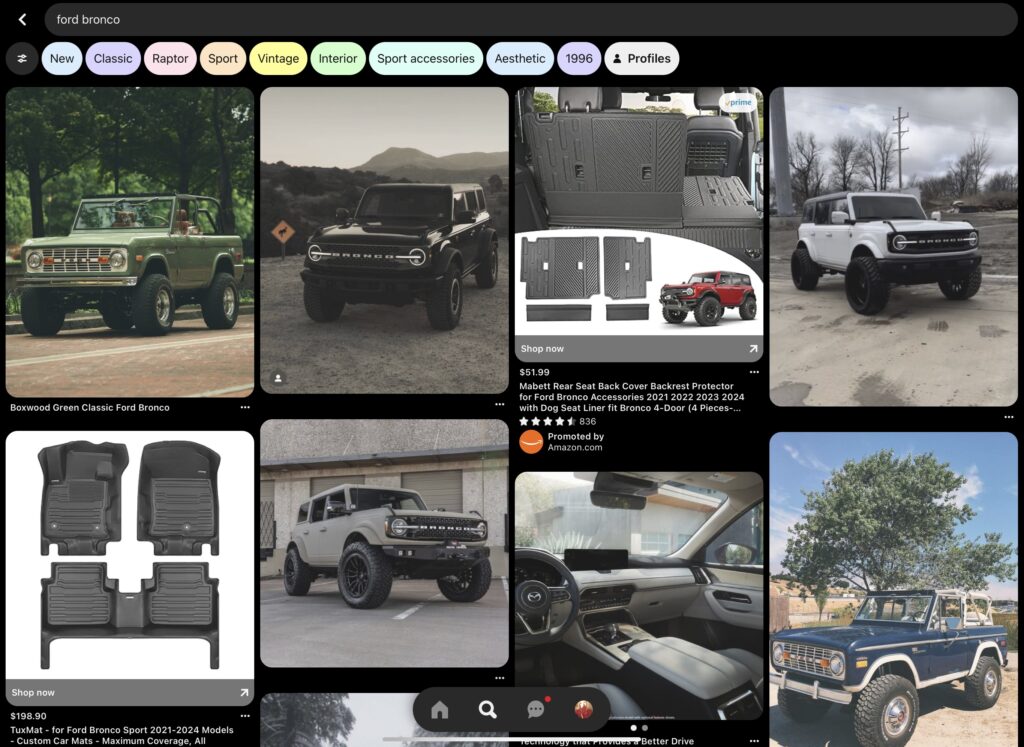
The platform extends beyond mere visuals, providing a rich source of quotes that can seamlessly integrate into your digital vision board, adding depth and inspiration to your aspirations.
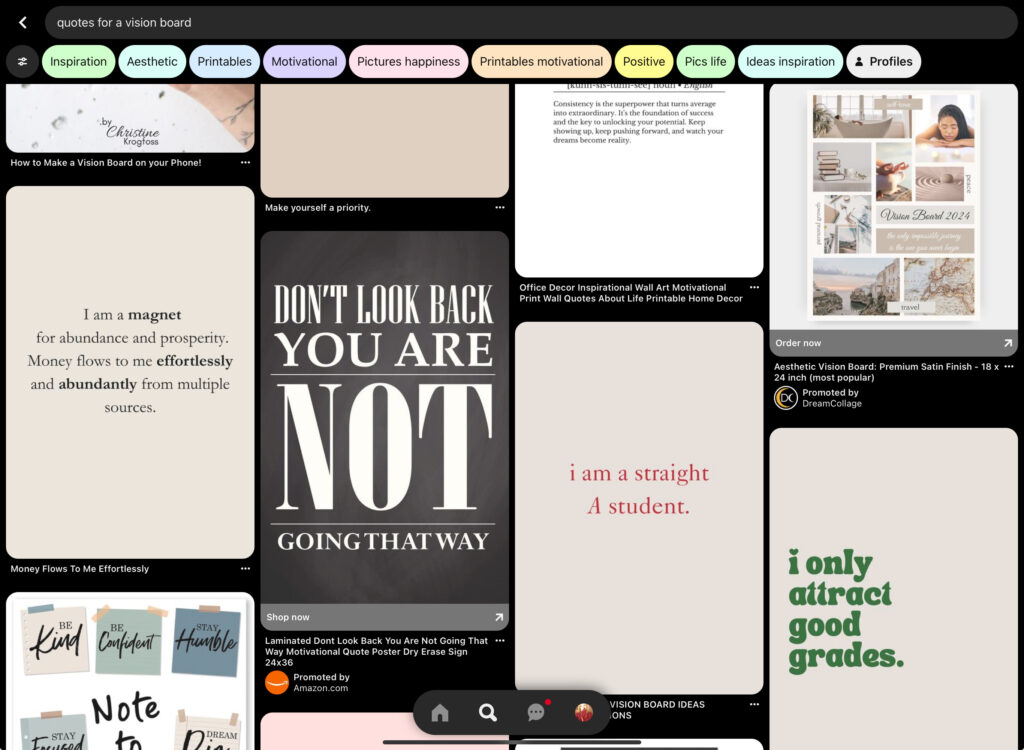
However, it’s essential to note a potential downside: Pinterest’s format may limit access to all the words and descriptions attached to pins. While the images are readily available, the full context may not be visible, requiring users to click through for a more comprehensive understanding.
Despite this limitation, Pinterest remains a go-to platform for vision board creation, offering a wealth of visual and motivational content to spark and fuel your aspirations.
In summary, Pinterest stands out for its vast image repository and inspirational content, allowing users to easily find and incorporate visuals and quotes into their vision boards. While the limitation in displaying all pin descriptions exists, the platform’s overall benefits make it a valuable resource for crafting a visually appealing and motivating vision board.
Gratitude App
Diving into a holistic approach to goal manifestation, the Gratitude App stands out not only for its vision board feature but also for its comprehensive set of tools designed to elevate your daily practices:
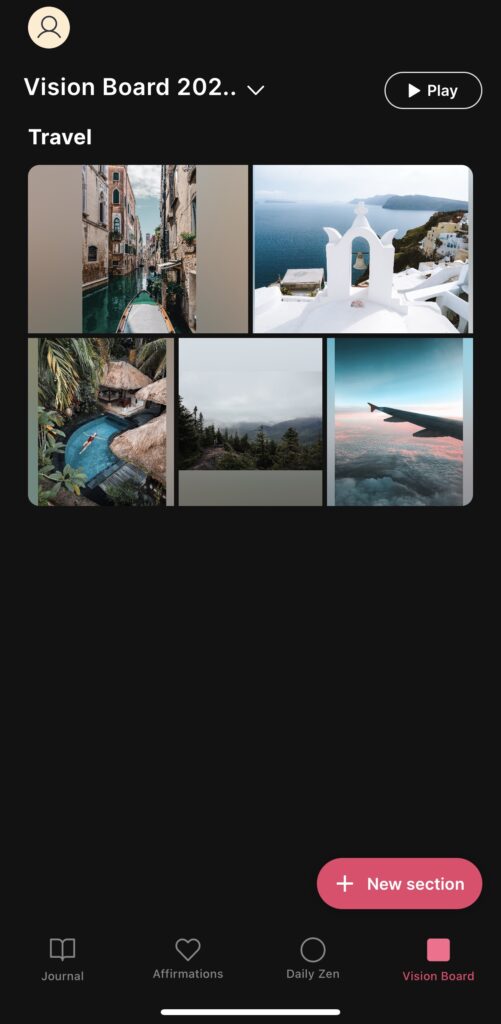
This app, priced at $30 per year, goes beyond a traditional vision board, incorporating elements like a journal, affirmations, and a daily zen section. The inclusion of these features positions the Gratitude App as a versatile companion for personal growth and mindfulness.
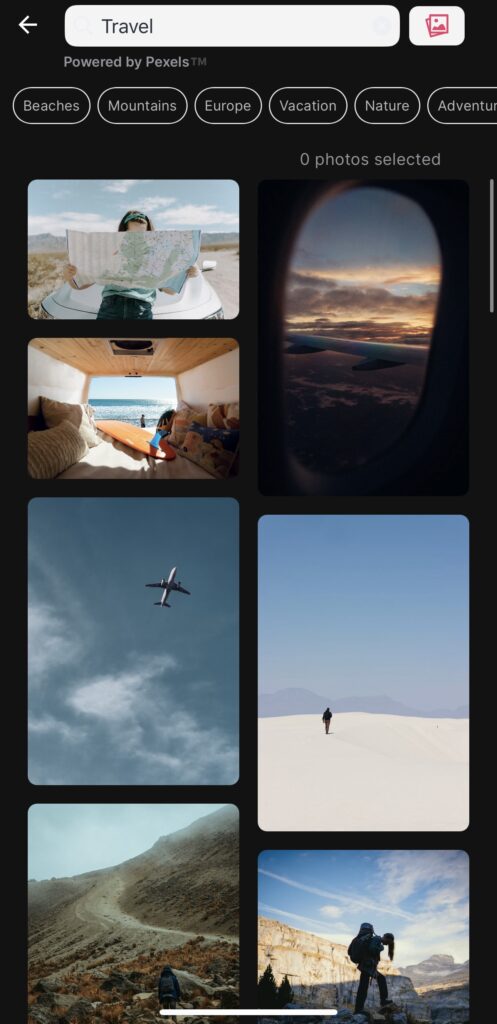
What sets the Gratitude App apart is its dedicated vision board section. Users can create multiple boards, each tailored to different aspects of their lives. Within each board, the option to establish different sections enhances organization and allows for a more nuanced exploration of individual goals.
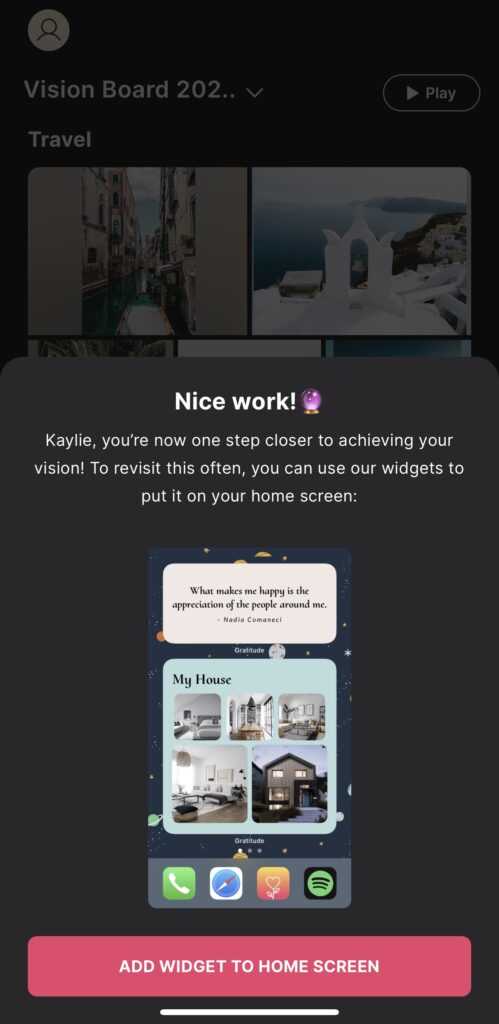
Once you’ve meticulously added photos and curated sections on your board, the Gratitude App takes the experience to the next level. With the “push play” feature, users can enjoy a dynamic video presentation of their vision board—a captivating visualization that adds an extra layer of inspiration and motivation.
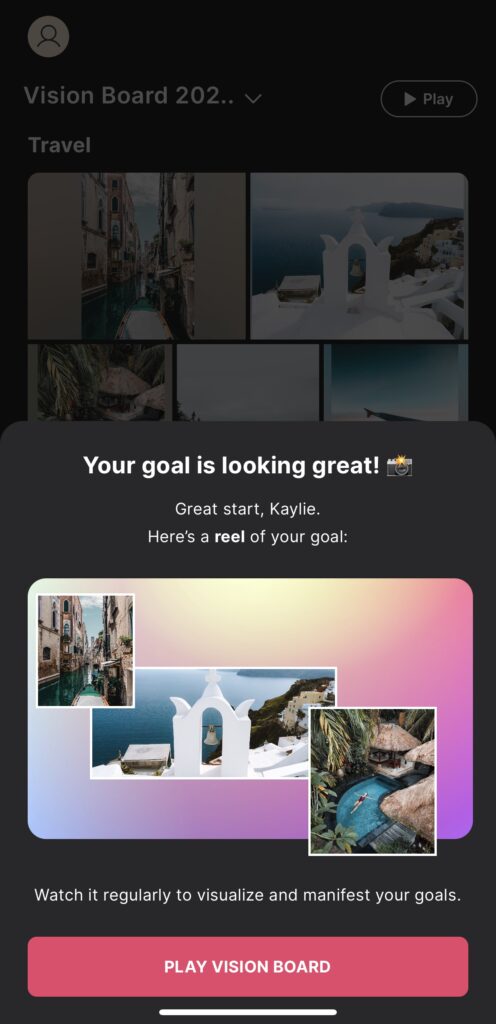
In summary, the Gratitude App, at a cost of $30 per year, offers a well-rounded platform for personal development. Its vision board feature, coupled with journaling, affirmations, and daily zen elements, provides users with a comprehensive toolkit for manifesting their aspirations. The unique “push play” function adds a dynamic dimension to the traditional vision board experience, making it a valuable investment for those seeking a multifaceted approach to goal-setting and gratitude.
Vision Board App
For a tailored and visually striking vision board experience, the Vision Board App stands out as a versatile and user-friendly option:

One distinctive feature of this app is its flexibility in creating not just one, but multiple boards. Users can explore various aspects of their dreams and goals, making the app an ideal companion for those with diverse aspirations.
Taking personalization to the next level, the Vision Board App provides templates for screensavers and widgets. This unique feature allows users to seamlessly integrate their vision boards into their device interfaces, whether it’s a screensaver for aesthetic appeal or a widget for quick inspiration.
In addition to visual elements, the app recognizes the importance of affirmations in goal manifestation. Users can not only add affirmations to their boards but also save them as widgets, ensuring a daily dose of positive reinforcement and motivation.
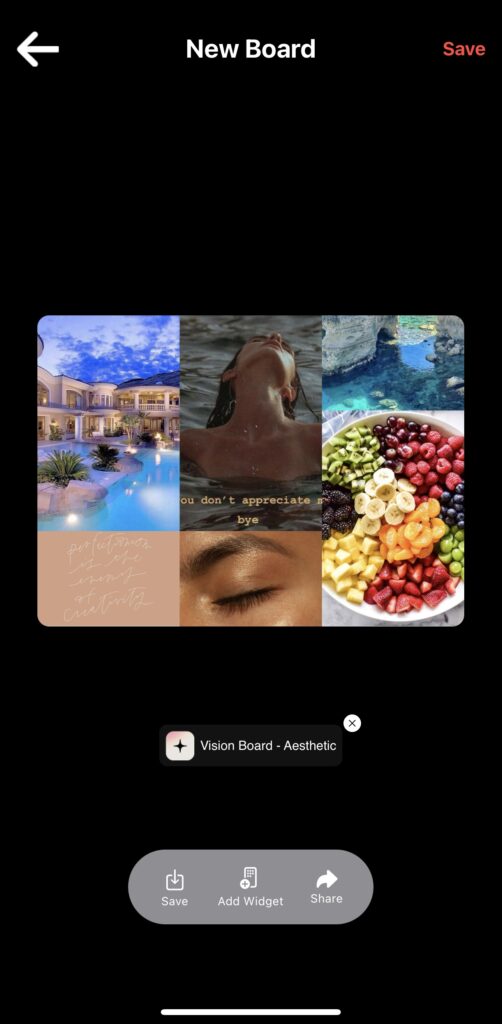
In summary, the Vision Board App offers a comprehensive and customizable experience for users seeking to manifest their dreams. The ability to create multiple boards, use templates for screensavers and widgets, and incorporate affirmations adds depth and personalization to the vision board creation process. This makes the app a valuable tool for those looking to seamlessly integrate their goals into their digital environment.
Visuapp
For a straightforward and streamlined approach to vision board creation, the VisuApp offers simplicity without compromising effectiveness:
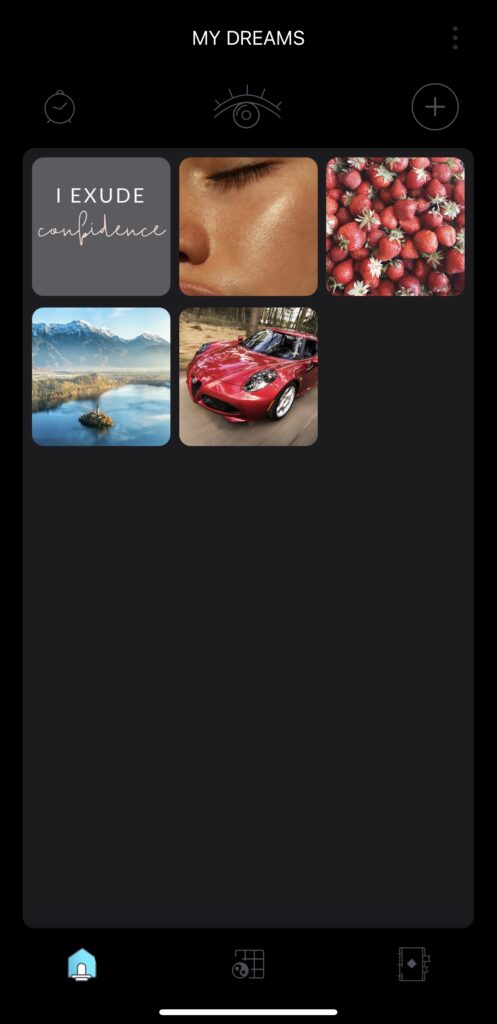
In the VisuApp, the process is uncomplicated—simply add all your photos and effortlessly create a board that encapsulates everything you need. This simplicity caters to users who prefer a quick and efficient means of bringing their aspirations to life.
While some apps may offer extensive features, the VisuApp distinguishes itself by presenting a more simplified version of a vision board. This straightforward approach allows users to focus on the essentials, making it an ideal choice for those who value efficiency and ease of use.
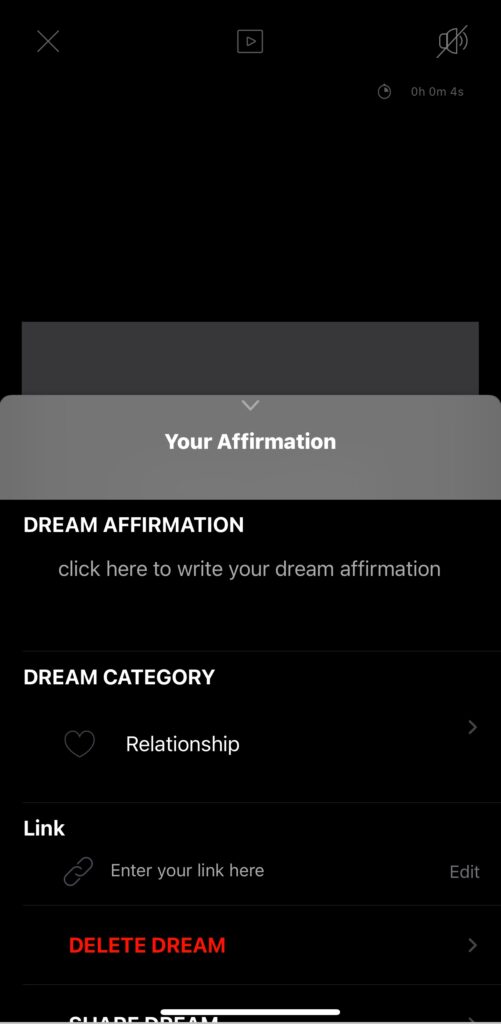
In summary, the VisuApp provides a user-friendly and uncomplicated platform for vision board creation. By allowing users to add photos and create a board with ease, it caters to those who prefer a more straightforward approach to manifesting their goals. Embracing simplicity, the VisuApp proves that a vision board can be effective without unnecessary complexity.
Where to Get Pictures for Your Digital Vision Board
When it comes to finding pictures for your digital vision board, think of it like browsing through an online art gallery.
Platforms like Pinterest, Google, Pexels, Unsplash, and Pixabay are your go-to spots for a variety of visuals.
Do Digital Vision Boards Work?
I bet you’re wondering, do digital vision boards even work? Yes, they do!
Not only have many successful people talked about how they used vision boards; people like Oprah, Will Smith, Beyoncé, and Steve Harvey, but according to the law of attraction, what you focus on, you draw into your life.

Books such as The Secret, Think and Grow Rich, and The Power of Your Subconscious Mind explain how you can use the Law of Attraction to achieve your goals and improve your life.
A vision board is not magical, you will need to put in the work. But if you let your board inspire your actions and speak your goals into existence. You can accomplish anything you put on your board.
Frequently Asked Questions
A vision board does not magically make all your dreams come true, unfortunately. It helps to remind you what you want, motivates you, and ensures you see what you need to do each day in order to fulfill those dreams. If you are not working towards your goals, then your vision board will fail.
Typically, people create their vision boards before or right after the beginning of the year. You can create your digital vision board any time you want though! You can even update your vision board throughout the year.
While visualizing your dreams has been popular all throughout time, it really blew up in 2006 when the book The Secret by Rhonda Byrne.
While many people use vision boards, the people who find it to be most effective are ambitious dreamers looking to create a place where they can layout their goals and reference them often.
In conclusion, digital vision boards offer a dynamic blend of creativity and technology, breaking free from traditional constraints. This guide, tailored for both enthusiasts and newcomers, empowers you to craft a personal, high-tech roadmap for success.
Your digital vision board is versatile—it can be a screensaver, wallpaper, or a printout on your wall. Embrace the freedom to express your goals, be it travel dreams or inspiring quotes, with no rigid rules.
The step-by-step guide equips you to set S.M.A.R.T. goals, curate images, choose platforms, and seamlessly integrate your board into daily life. Explore recommended apps like Canva, PicMonkey, and Procreate for a personalized experience.
Digital vision boards work, resonating with the wisdom of successful figures and the law of attraction. Your board serves as a daily motivator, inspiring action and manifesting your goals.
Embark on this captivating journey with your digital vision board—a guiding light seamlessly woven into your daily routine. If you used this blog post to create your vision board, please let me know in the comments and if you want to discuss it further please send it to me here!